
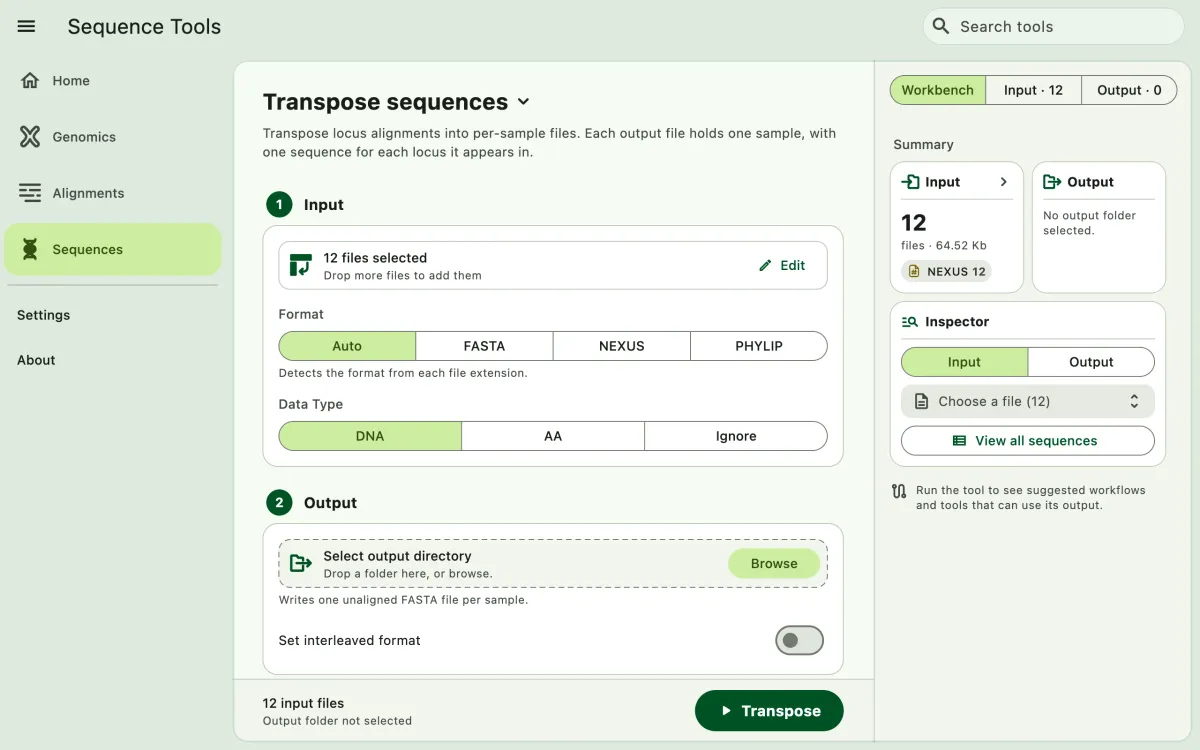
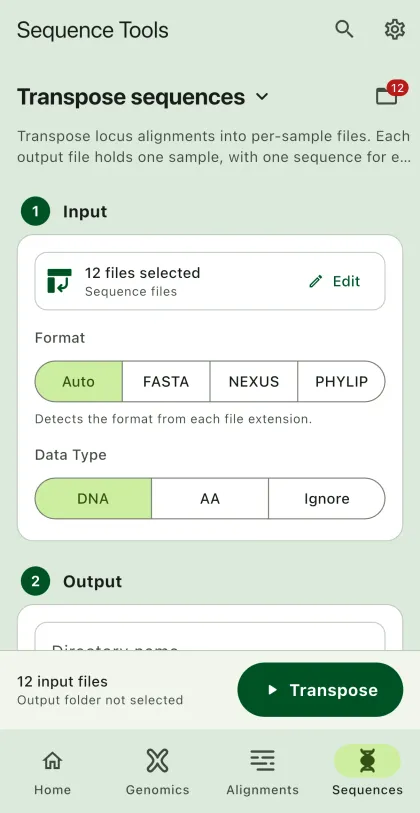
Transpose locus alignments into per-sample sequence files. Locus alignments store one locus per file with a sequence for each sample. Transposing creates one file for each sample with a sequence for each locus, for example to build sample-level references for read mapping.
- Select
Sequencesin the navigation bar A. - Open
Transpose sequencesfrom the tool list on wide windows, or select the tool name B at the top of the page to switch tools. - Add the input files C with
Browse files,Browse folder, orOpen archive. SEGUI searches a folder and its subfolders for files that match the tool's input format. See file input for mobile options. - Select the input format (optional) and the data type.
- Select
BrowseunderSelect output directoryto choose the output folder. On phones and tablets, enter aDirectory nameinstead; SEGUI saves it in the app's own folder. - Turn on
Set interleaved formatto write interleaved FASTA (optional). - Select the run button D, labeled
Transpose, to start the task.
Output
Section titled “Output”The app writes each sample to its own folder: <sample>/<sample>.fas. Each sequence is named after the locus it comes from, which is the input file name without its extension. Gaps (-) and missing data (?) are removed, so the output is always unaligned FASTA. Samples missing from a locus are skipped for that locus.