
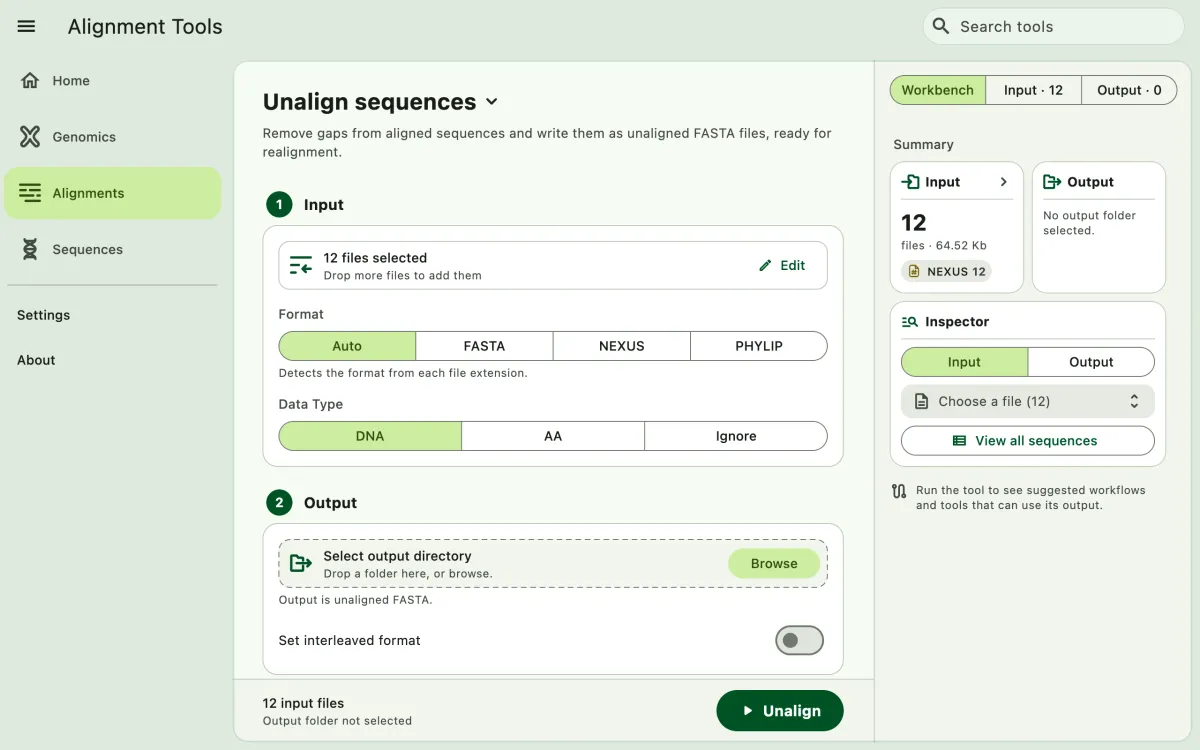
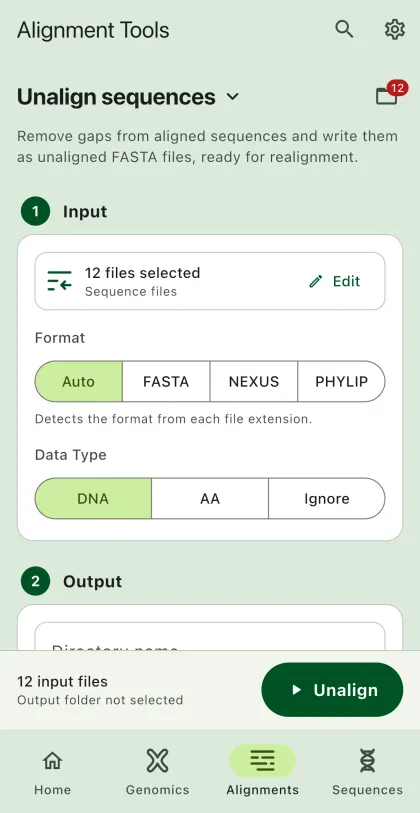
Remove alignment gaps to produce unaligned sequences, for example to realign them with a different aligner.
- Select
Alignmentsin the navigation bar A. - Open
Unalign sequencesfrom the tool list on wide windows, or select the tool name B at the top of the page to switch tools. - Add the input files C with
Browse files,Browse folder, orOpen archive. SEGUI searches a folder and its subfolders for files that match the tool's input format. See file input for mobile options. - Select the input format (optional) and the data type.
- Select
BrowseunderSelect output directoryto choose the output folder. On phones and tablets, enter aDirectory nameinstead; SEGUI saves it in the app's own folder. - Turn on
Set interleaved formatto write interleaved FASTA (optional). - Select the run button D, labeled
Unalign, to start the task.
Output
Section titled “Output”The app writes one FASTA file for each input alignment, named after the input file. Gap characters are removed from every sequence. The output is always FASTA because unaligned sequences cannot be stored in NEXUS or PHYLIP.